How to Arrange a Small Living Room With a TV: 3 Layouts to Try
A small living room layout with TV placement planned around your main seat and everyday walkways can make the room easier to use. Fit the sofa and other furniture around those two decisions. A TV centered on a wall is little help if the sofa blocks a doorway or every trip to the kitchen interrupts the picture.
The useful layout depends on your doors, windows, and everyday habits. A narrow lounge needs a different approach from a square room, and a living area that opens into a kitchen may need furniture to define its edges. The three arrangements below give you starting points to test with what you already own.
Map the Room Before Moving the Sofa
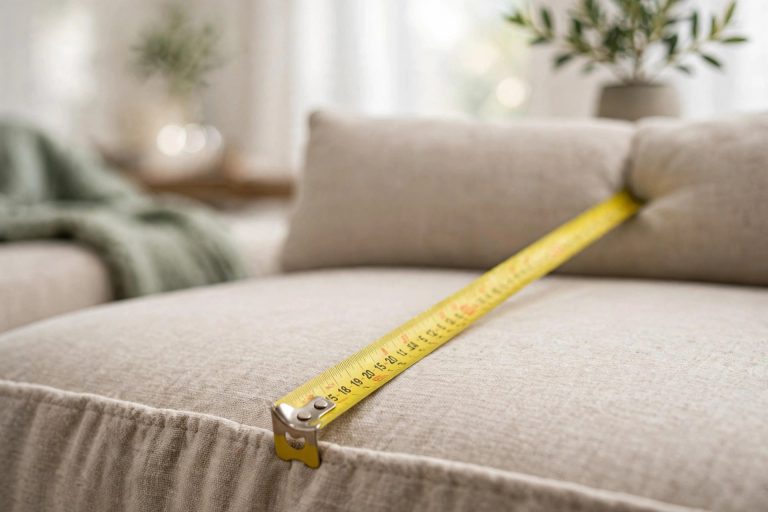
Make a quick sketch showing the usable wall lengths, windows, door swings, outlets, and any fixed features such as a radiator or fireplace. Measure the furniture you plan to keep, including its depth. A sofa that fits along a wall can still project too far into the route beside it.
Mark the journey from the entrance to the next destination: another door, the kitchen, a balcony, or the main seat. Try to keep that route along the edge of the seating group. Check the space with someone actually sitting down, because knees, open cabinet doors, and pulled-out chairs change the available room.
Use low-tack tape, if suitable for your floor, to outline a proposed furniture position. Leave the outline in place while you walk around. This is particularly useful before buying a deeper sofa or a wider media cabinet. For broader decorating and furniture ideas, see our guide to making a small living room feel bigger.
Plan Your Small Living Room Layout With TV Placement in Mind
Choose two possible TV locations rather than committing to the first empty wall. Sit where the main sofa would go and compare them. Look for a position that lets you watch without continually turning your head or looking upward. A paper rectangle can help you judge the proposed screen position before anything is mounted.
Check daylight at the time you normally use the room. A window facing the screen may create a reflection; a bright window directly behind it may make the view less comfortable. A wall at right angles to the window is worth testing, but the actual result depends on the room and screen. Try your curtains or blinds before buying additional window treatments.
Viewing distance also depends on screen size, resolution, and personal preference. Use your TV manufacturer’s guidance as a starting point, then test the picture and subtitles from your normal seat. Do not buy a larger screen simply because its width fits the wall; allow for the stand, cables, and ventilation specified for the model.
If mounting the TV, use hardware appropriate for both the television and the wall construction, following the manufacturer’s instructions. Seek installation help if the wall or fixing method is uncertain. Wall mounting can remove the need for a deep stand, but it does not remove the need to plan power and connected devices.
Layout 1: A Narrow Room With a Route Along One Side
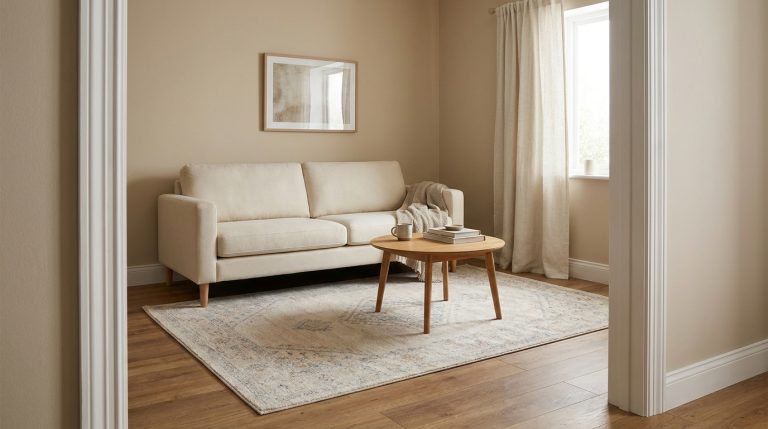
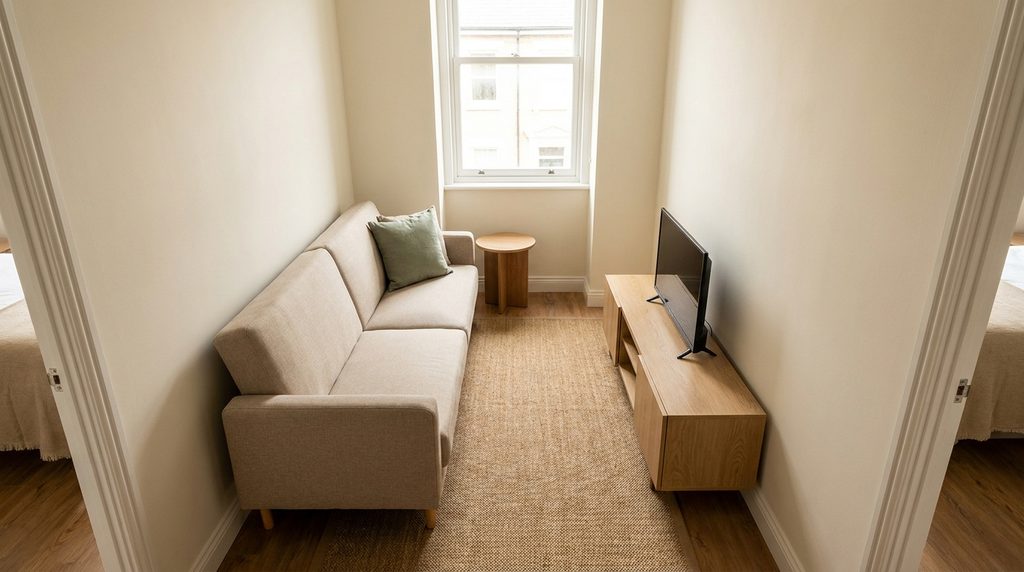
Try placing the sofa along one long wall and the TV opposite it on a shallow unit, provided the remaining width works for both viewing and movement. This can leave a route along one end of the seating group instead of forcing everyone between the sofa and screen. Keep the entry end especially clear.
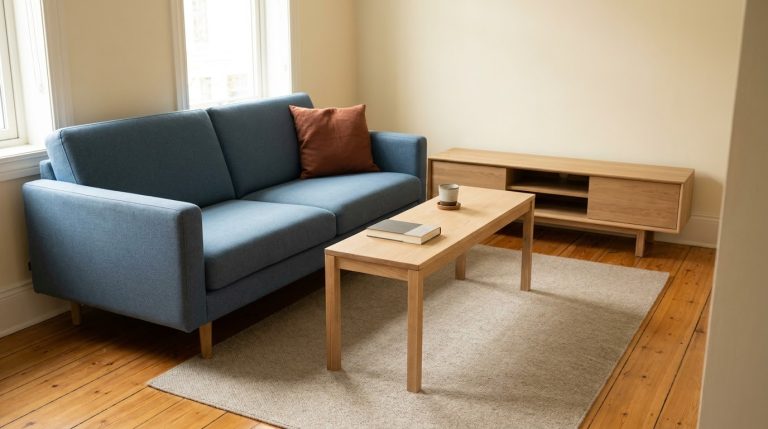
Start with the sofa and TV unit only. Then decide whether a coffee table is genuinely useful. In a tight room, a small side table beside the sofa may serve drinks without occupying the middle. If you add a coffee table, test whether you can sit down, stand up, and pass it easily while someone else is seated.
A chair at the far end can make the room more conversational, but it should earn its place. If it blocks a door or makes the main route awkward, remove it. An occasional seat that can be brought in when needed may work better than a permanent chair used mostly for laundry.
If the room is too narrow for a comfortable sofa-to-TV arrangement across its width, test the TV on the short end wall instead. Avoid keeping the sofa sideways to the screen just to preserve a neat row of furniture. The layout should suit the person using the main seat.
Layout 2: A Square Room With a Sofa and One Chair
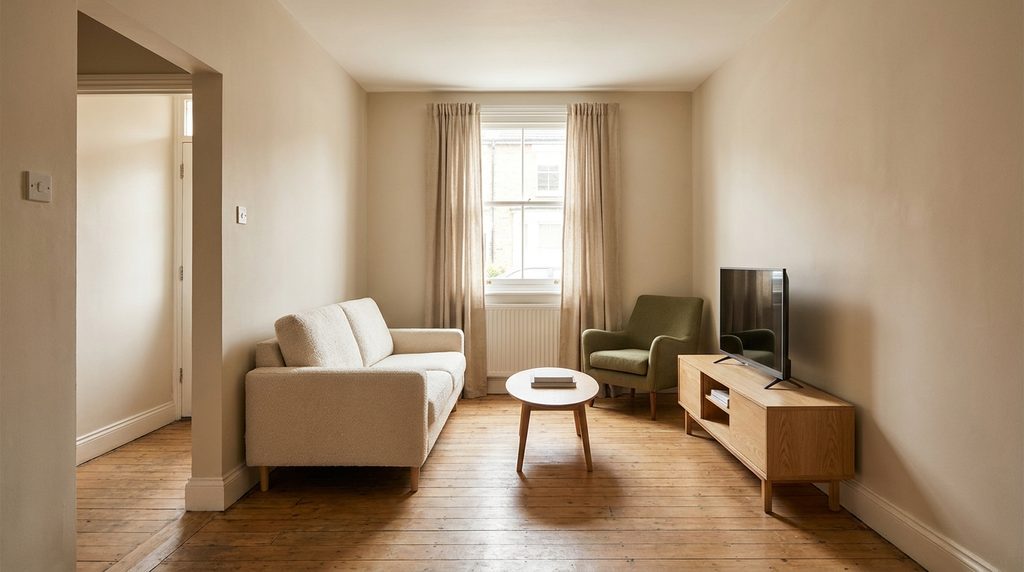
In a roughly square room, begin with the TV and sofa facing each other. Place one chair to the side, slightly turned toward the sofa, so the room supports conversation as well as watching. A chair that is easy to reposition gives you more flexibility than a second bulky sofa.
Leave the other side of the arrangement open where possible. Filling all four corners can make a square room feel crowded even when the central floor area is empty. Put the chair where it will actually be used, perhaps beside a reading light, rather than wherever it creates the most symmetrical picture.
Consider a compact round or oval table if its shape makes it easier to pass the seating. Shape alone does not solve a space problem: check its full footprint and how far you must reach from the sofa. A smaller rectangular table may work better when it follows the line of the seating.
If a corner is the only workable TV location, angle the main seating to suit the screen as far as the room allows. Check the view from each seat, not just the doorway. Avoid building the arrangement around a corner unit that is deeper than the cabinet you were trying to replace.
Layout 3: An Open-Plan Room With the Sofa as a Boundary
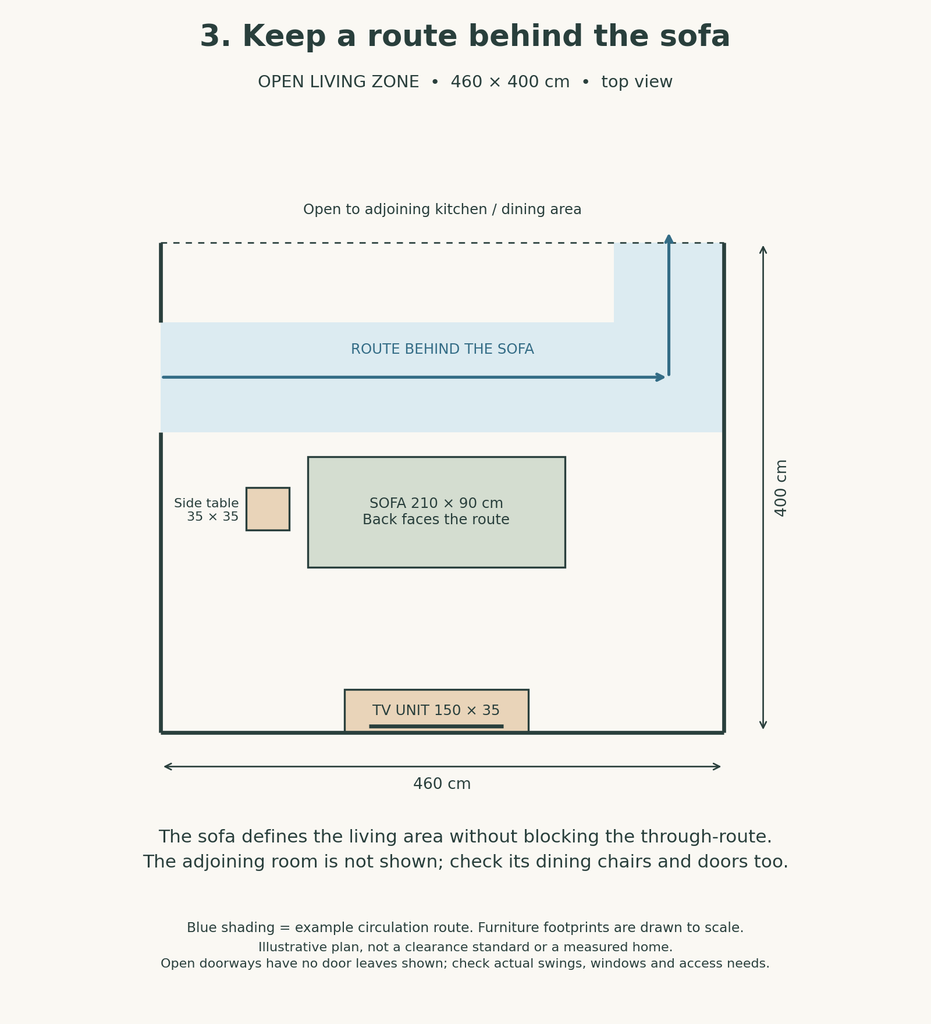
When the living room opens into a dining area or kitchen, the sofa can help define the seating zone. Try it facing a solid TV wall with its back toward the adjoining space. This works only if there is a useful route behind or beside the sofa; a floating sofa should not become a barrier across the room.
Look at the arrangement from the entrance and from the kitchen. Can someone carry a plate past the seating without squeezing through? Can dining chairs pull out properly? Measure with those chairs in use, rather than tucked neatly under the table.
A rug can help identify the living area without adding another piece of furniture. Avoid immediately placing a console table behind the sofa. That extra depth may consume the very route the layout depends on. First live with the sofa alone, then add storage only if there is a clear need and room to use it.
Keep connected devices close to the TV and power source. A layout that needs extension leads across a walkway is a sign to reconsider the position. If a lamp behind the sofa cannot be powered without crossing the route, try a different light position rather than hiding a trailing lead beneath the rug.
Finish the Layout With Tables, Cables, and Useful Storage
Once the main pieces work, give the items you use every day a place. A remote, a game controller, and charging cables may need only a drawer or a small tray. Choose a media cabinet around what it must hold, including the depth of plugs and the ventilation requirements of equipment.
Open every cabinet door and drawer in the proposed position. A shallow cabinet is not helpful if you must move the coffee table each time you need it. Keep the surfaces around the screen simple enough that the remote and other essentials remain easy to find.
Use suitable cable management along the edge of the room, following the requirements of the cables and equipment involved. Avoid pinching leads behind furniture or running them under rugs. For additional finishing touches that do not require new furniture, explore these ways to refresh your home with what you already have.
Test the Arrangement Before Calling It Finished
Use the room for a normal evening before adding decorative pieces. Watch from the seats you actually use, close the curtains, turn on the lamps, and make the usual trips through the room. Ask someone else to walk past while you stay seated.
Notice the small interruptions: a lamp reflected in the screen, a drink with nowhere to go, or a chair that needs moving whenever a door opens. Fix the biggest friction point first. Often moving one table or removing an occasional chair improves the room more than a complete redesign.
Common Questions About Small Living Room TV Layouts
Does the sofa need to be against a wall?
No. Positioning it against a wall can preserve floor space in a narrow room. Floating it can help define an open-plan living area. Choose the arrangement that leaves usable routes and a comfortable view, rather than treating either approach as a rule.
Should the TV go above the fireplace?
Check the television and fireplace manufacturers’ installation requirements before considering that location. Heat, mounting conditions, and screen height all matter. A separate wall may give you a more comfortable viewing position even if the fireplace remains the room’s architectural focal point.
What if the room cannot fit a coffee table?
Use a side table within comfortable reach of the main seat, or test a small nesting table that can be moved when needed. Keep a stable place for drinks, but do not sacrifice the main walkway to include furniture that the room does not need.